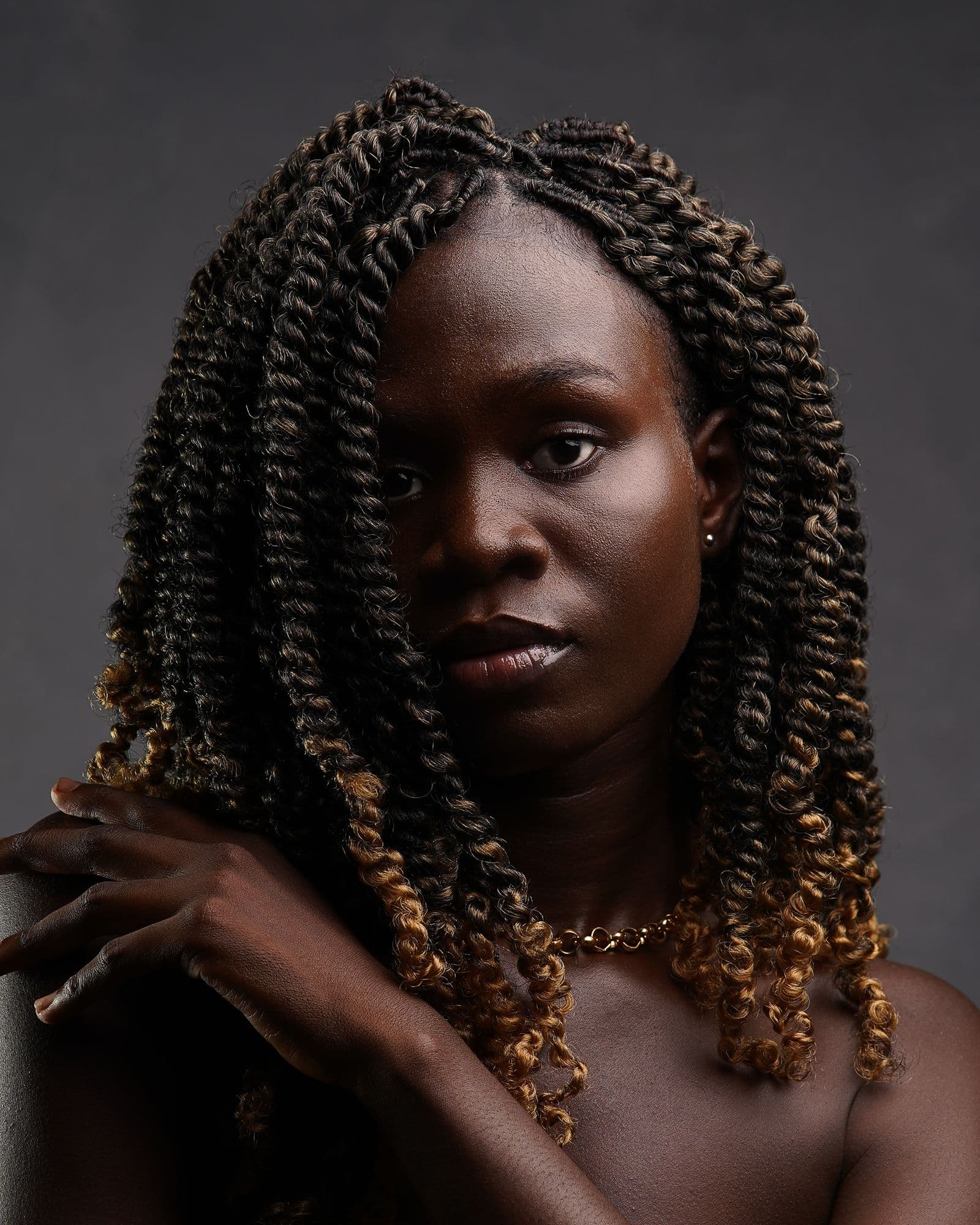
 01
People
Portraits & profiles
Purpose-built image cutouts
Private background removal for portraits, products, fashion, vehicles, and everyday photos.
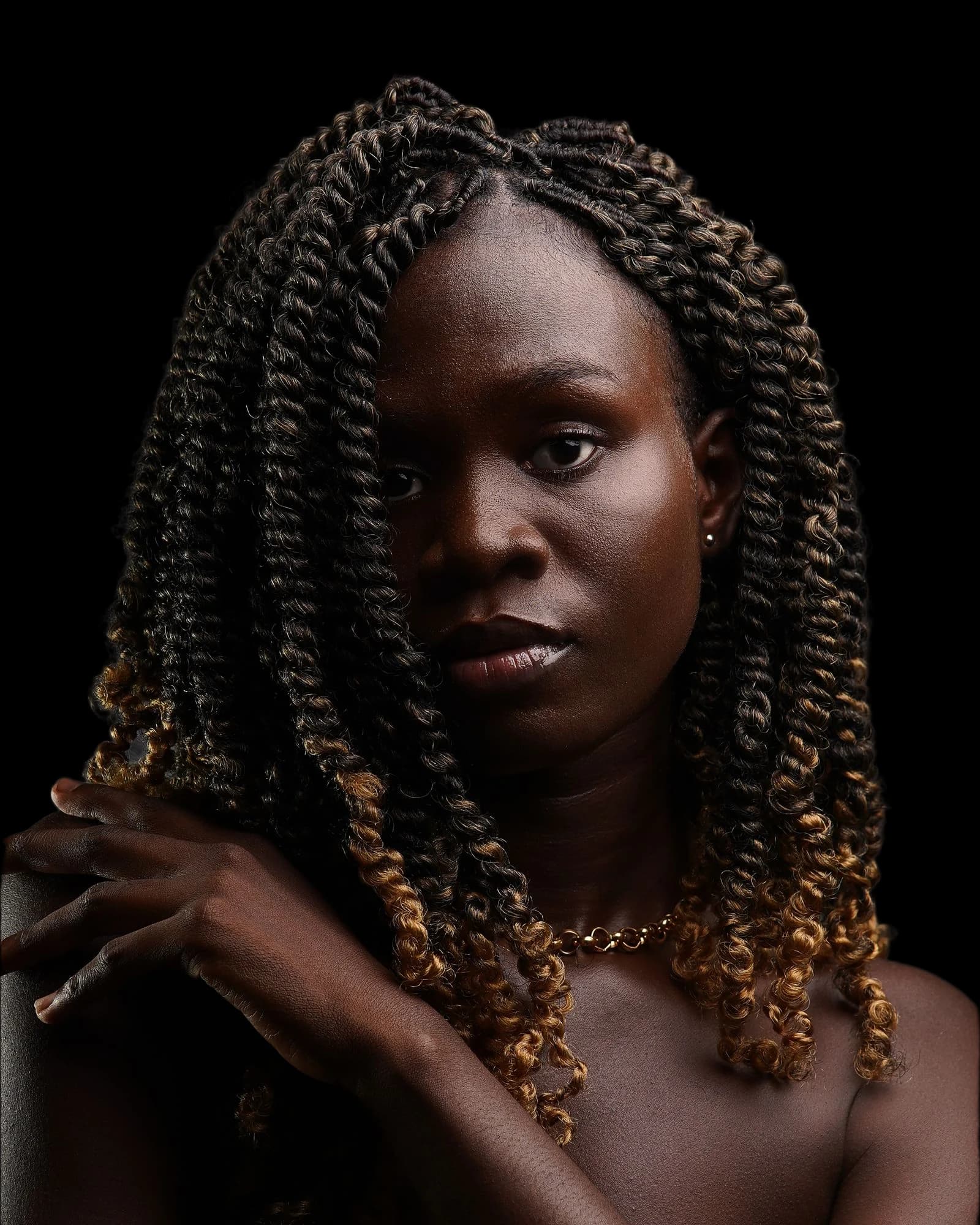
Real input. Real output.Drag to inspect the cutout.
Private by design: your image is processed locally and is never uploaded.
How it works
JPG, PNG, or WebP.
Processing runs on your device.
PNGFull-size, transparent PNG.
Useful across image types
From a profile photo to a product listing, create automatic cutouts without manually tracing the whole subject.
01Portraits & profiles
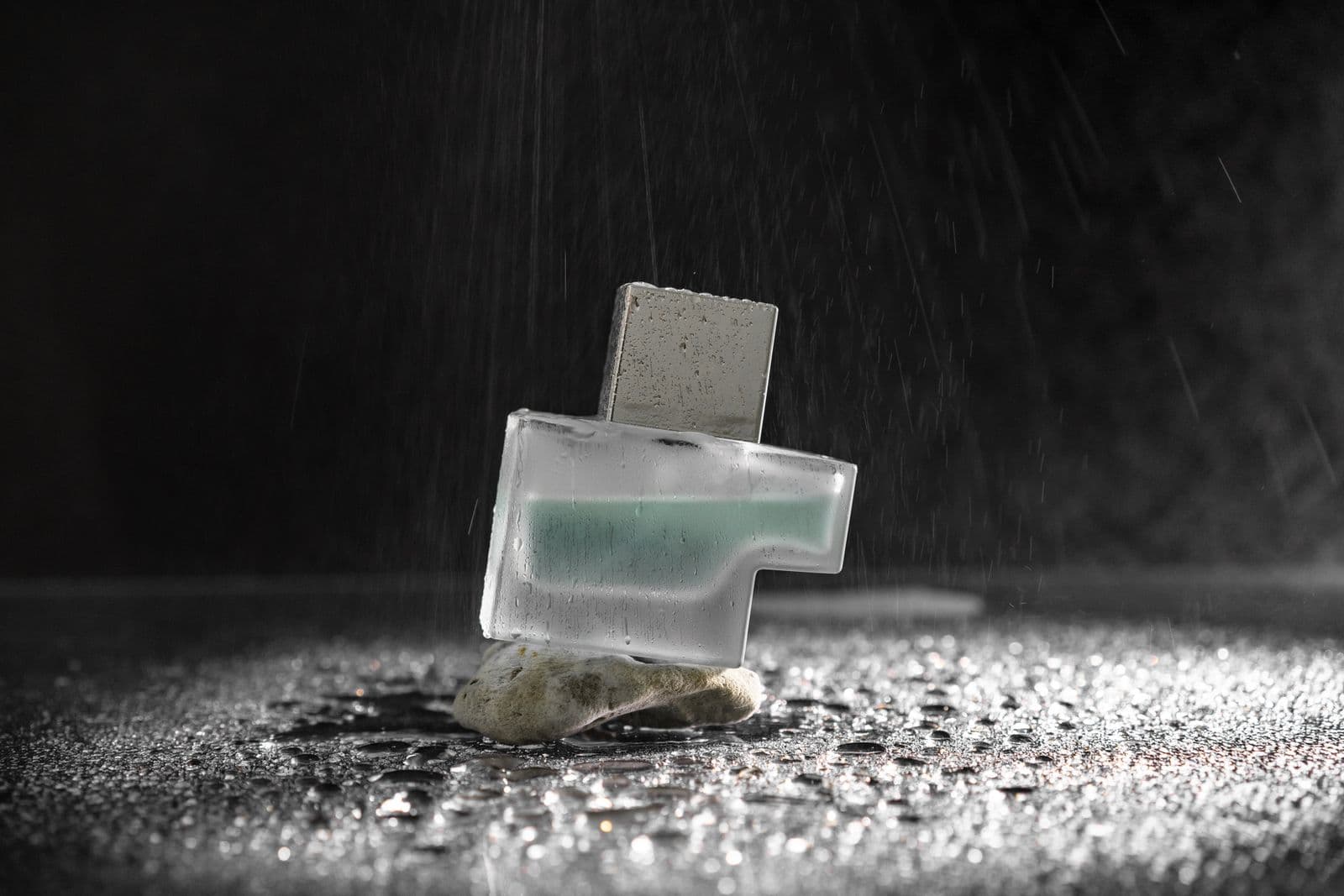 02
Catalogs & listings
 03
Vehicle cutouts
 04
Fabric & accessories
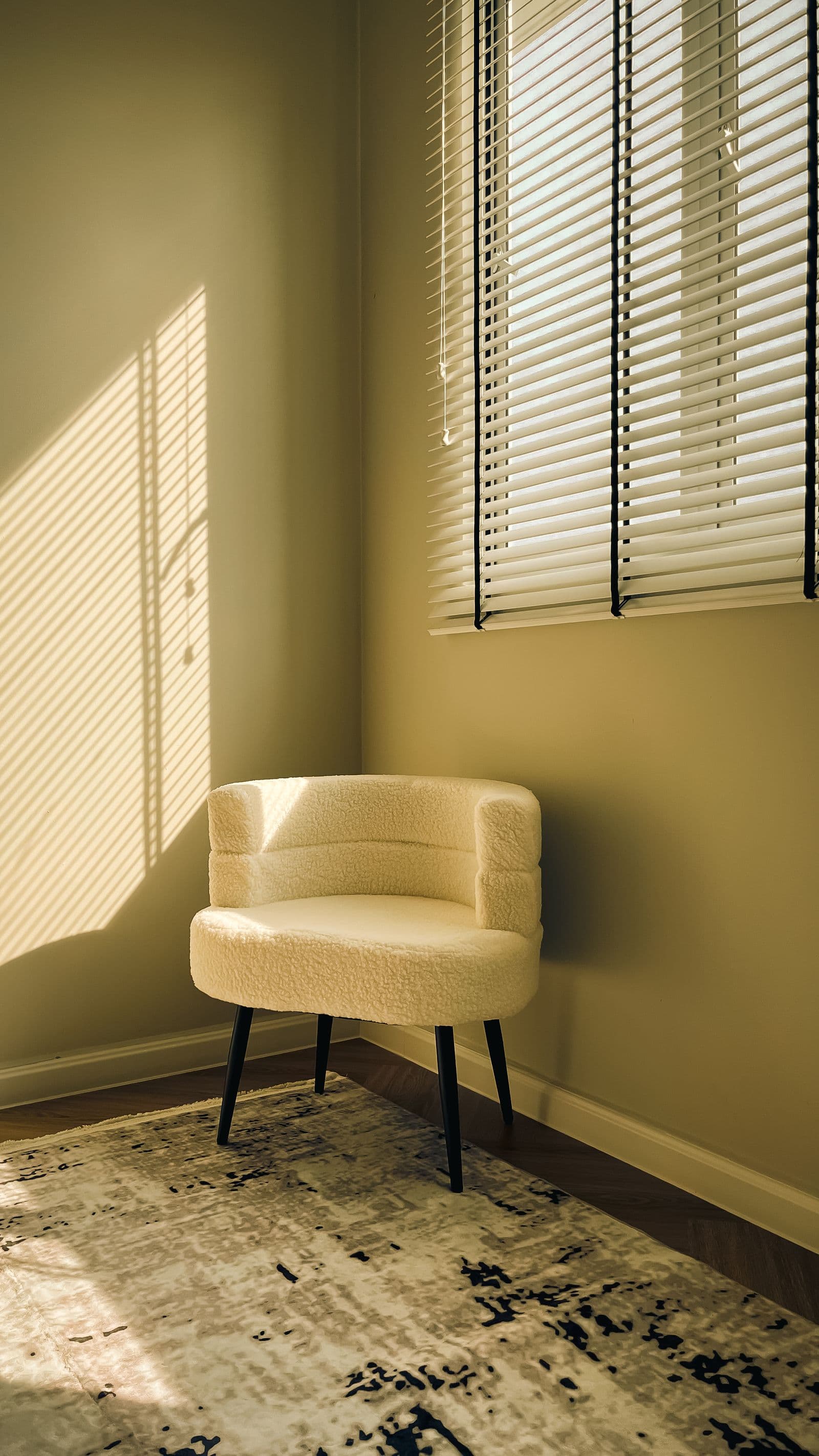 05
Product presentation
Product example
One photograph in, one transparent cutout out—made by the same removal pipeline available above.

Before / after
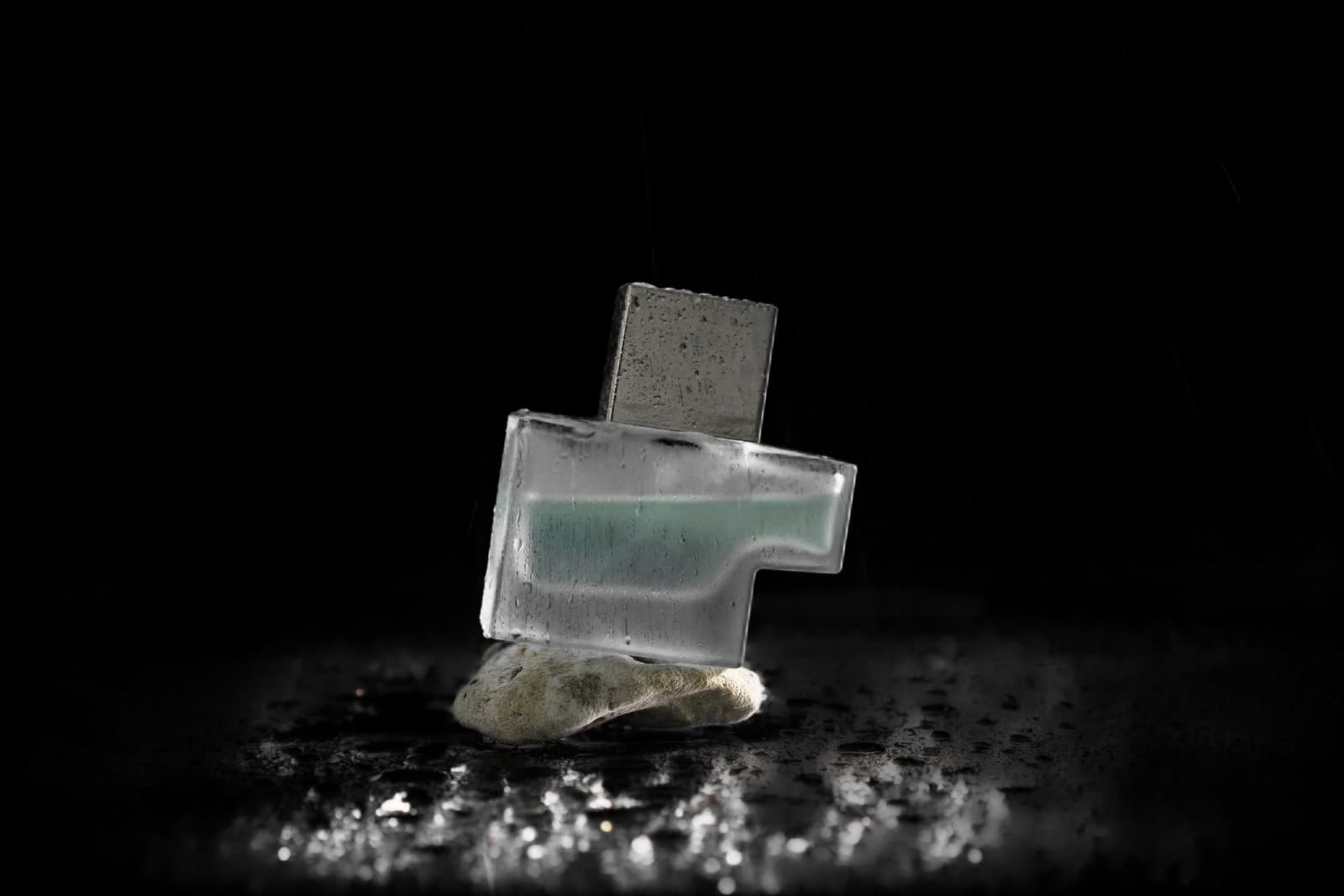
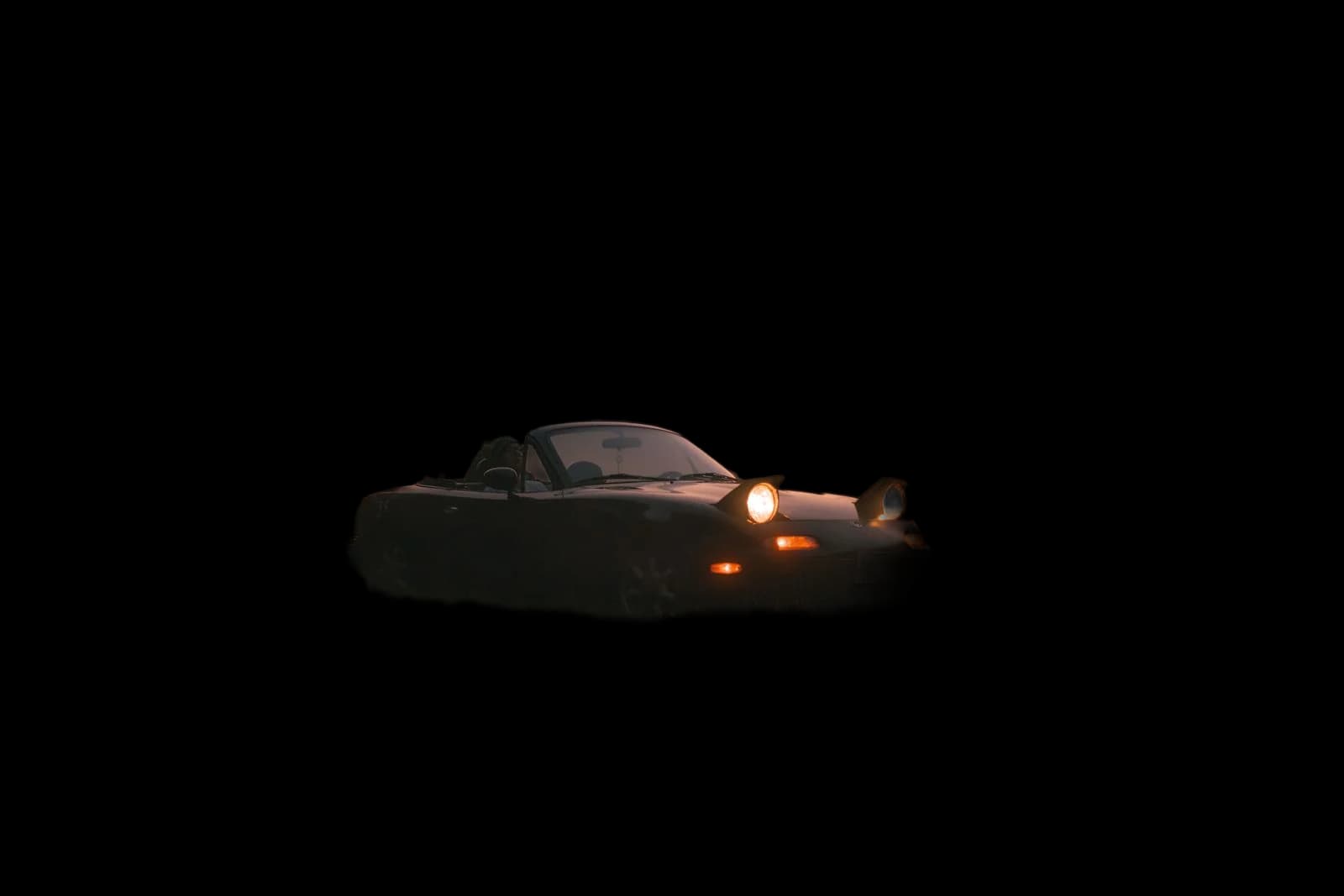
Five photographic examples with matching transparent outputs. Drag each divider to inspect the edge result.

Review the result
The tool preserves original pixel dimensions, but difficult shadows, reflections, fine strands, and low-contrast edges can still need review.
A repeatable review
A polished edge cannot rescue a missing subject part. Use this sequence after every automatic cutout.
Compare with the original. Check hands, wheels, handles, straps, clothing, labels, and every attached object.
Look for detached islands, floor patches, former-background fragments, and unintended shadow remnants.
Preview on light and dark colors to reveal pale halos, dark contamination, and lost fine edges.
Open the downloaded PNG at its intended size. Confirm dimensions, transparency, padding, and visual scale.
Use the complete quality-control checklistUnderstand alpha and edge halos
Privacy, built in
Your original and finished PNG stay inside your browser. They are not sent to bgremoved.pro or another image-processing service.
Use the browser tool without creating an account or entering payment details.
Remove a background JPG, PNG, and WebP · Up to 20 MBYes. The current browser tool can be used without an account or payment.
You can upload JPG, JPEG, PNG, and WebP images up to 20 MB.
Image pixels stay in your browser. Temporary working URLs exist only in memory; session storage keeps limited editor metadata, not the image itself.
Yes. A completed result is exported as a PNG with an alpha channel at the original pixel dimensions.
No automatic cutout is perfect for every scene. Review fine edges, shadows, reflections, and low-contrast areas before using the result.
Practical resources
Choose a guide for the job in front of you: source preparation, transparent PNG validation, difficult portrait or product edges, mobile limits, or catalog consistency.